
Character Inventory & Wallet Inventory
Know where items are stored and why equipment may be temporarily locked.
Choose the right inventory
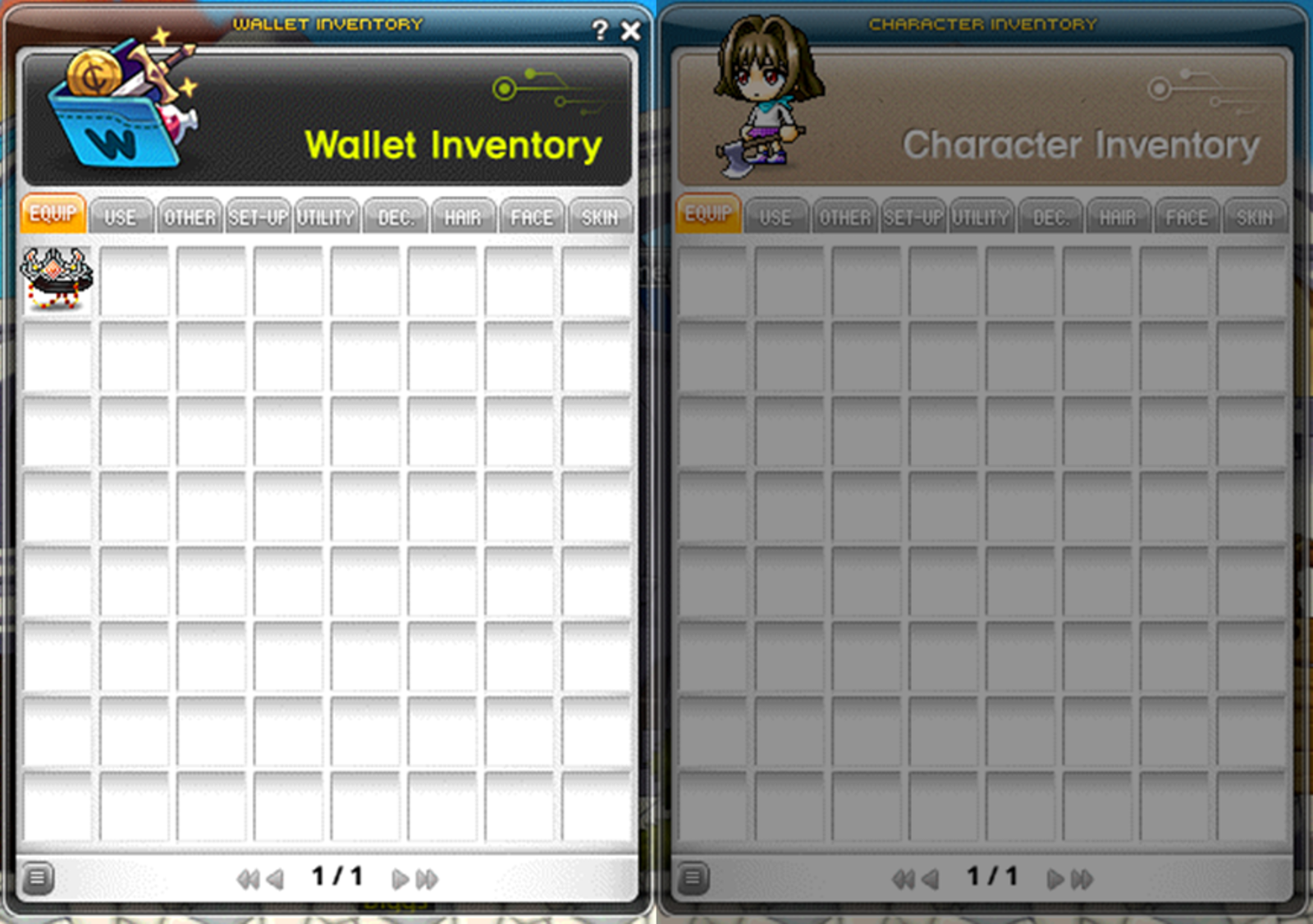
- Gameplay rewards arrive in Character Inventory, organized into equipment, consumables, materials, setup, utility and appearance tabs.
- Wallet Inventory stores on-chain items and Marketplace purchases. Items must be there to appear for Marketplace selling.
- The Wallet button opens transfers. Minting, History and Enhance provide related item actions.
- The NESO button converts earned NESOLET into NESO through minting.



Plan around item locks
Moving equipment from Wallet Inventory into Character Inventory starts a 15-day lock that prevents returning it to the wallet. The item tooltip shows the remaining time.
- Equipment used in a weekly boss clear stays locked through the weekly raffle. A shorter existing lock can be extended until that raffle ends.
- The weekly raffle occurs Thursday at 00:00 UTC.
- A locked item placed in NFT Collection can be retrieved only by its depositing character until the lock ends.
- Discarding an item is irreversible.