Controls and Key Settings
Customize shortcuts, arrange quickslots and use the game's built-in skill macros.
Begin with the basic actions
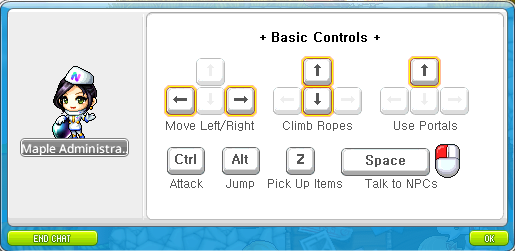
- Space interacts with nearby NPCs and advances their dialogue.
- Ctrl is the default basic attack key; Z picks up nearby drops.
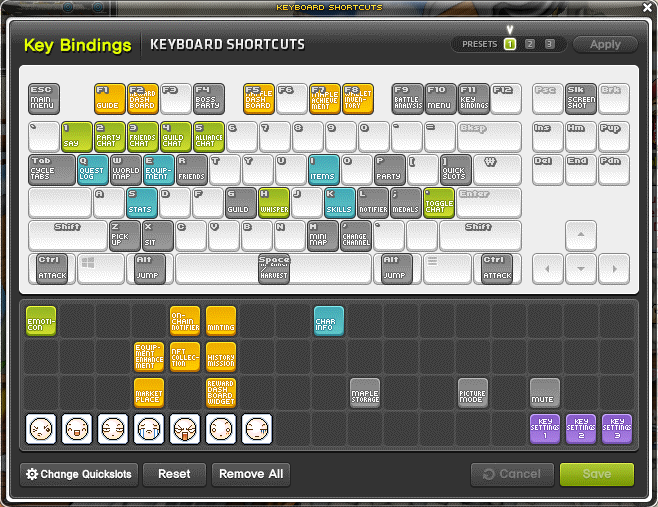
- Key assignments can be changed, so the current Key Bindings window is the best reference.
Arrange a comfortable layout
- Open Settings, then Key Bindings.
- Drag skills, items or functions onto the desired keys.
- Use the bottom-right quickslots for frequently used actions; their settings also update Key Bindings.
- Right-click a binding to remove it. Reset replaces custom assignments with a selected default layout.

Combine compatible skills
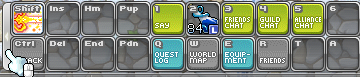
Open the skill window with K and select Macro. Add up to three supported skills, then bind the macro icon. Skills execute in slot order. Skills with cooldowns, certain summons and some attacks cannot be added.
