Skill Basics
Learn the main skill types and assign useful abilities to convenient shortcuts.
Recognize the skill types
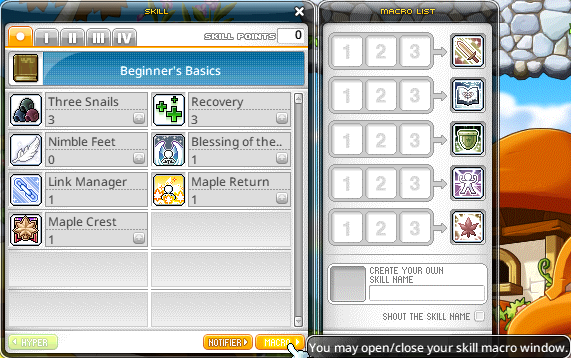
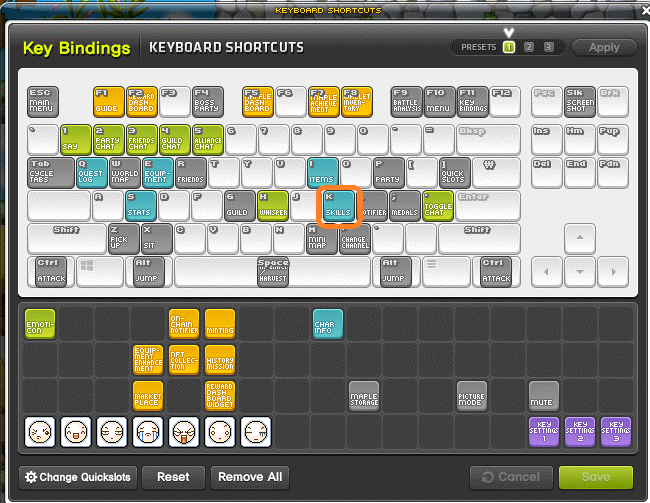
Open Skills with K or the Character menu. Leveling provides Skill Points to learn or strengthen eligible skills.
- Passive skills apply automatically once learned.
- Active skills require input and may have cooldowns.
- Buff skills provide a timed effect, shown among the icons at the top right.
- On/Off skills stay enabled until toggled off.
- Some buffs support automatic pet casting.
Assign skills to keys
- Choose a skill in the skill window.
- Place it in a quickslot, or open Key Bindings and assign a keyboard key.
- Check the skill description for resource costs and restrictions.
Build an in-game macro
Use Macro in the skill window to combine up to three compatible skills in sequence. Confirm the selection and assign its icon to a shortcut. Cooldown skills, some summons and certain attacks are excluded.