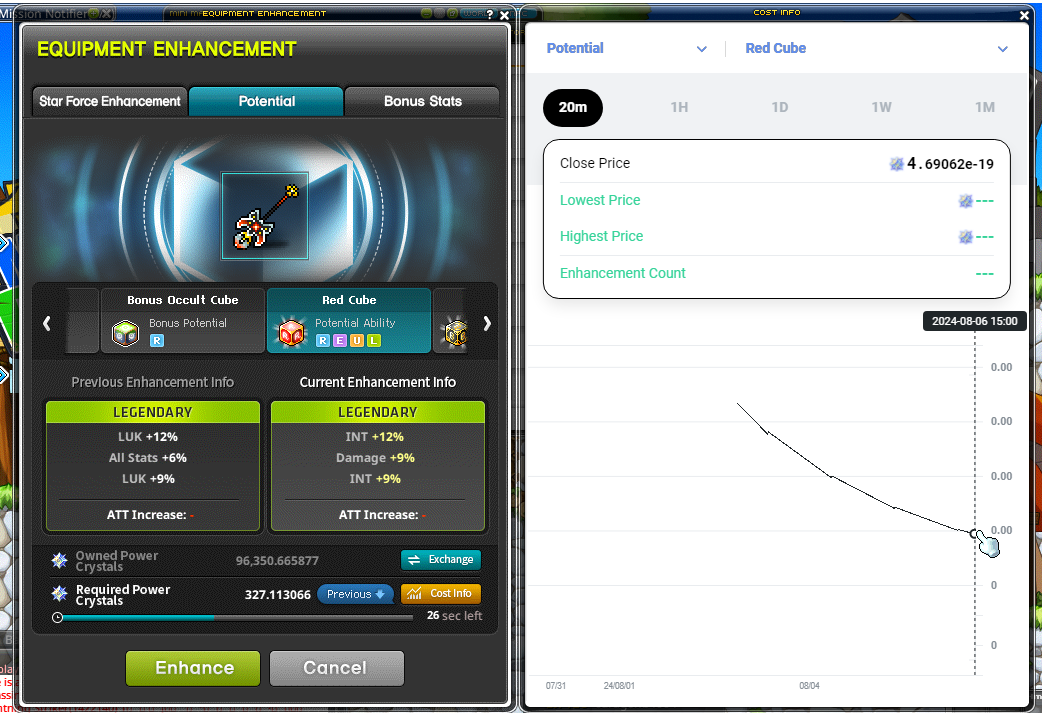
Dynamic Pricing
Enhancement costs respond to demand, with dashboards showing item-group trends and historical prices.
How pricing changes
MapleStory N adjusts enhancement prices every 60 seconds according to demand. Items are grouped by equipment level, part and type, and the system is shared across worlds.
Reading the dashboard
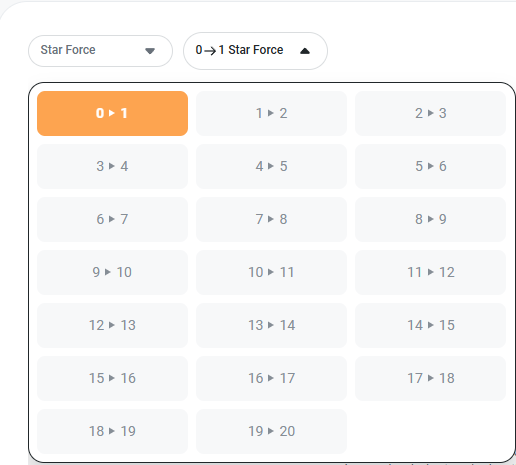
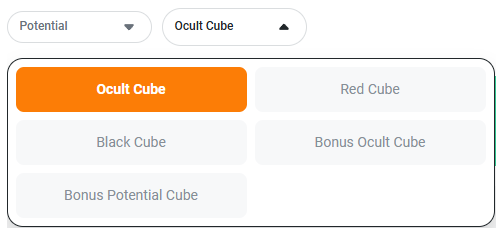
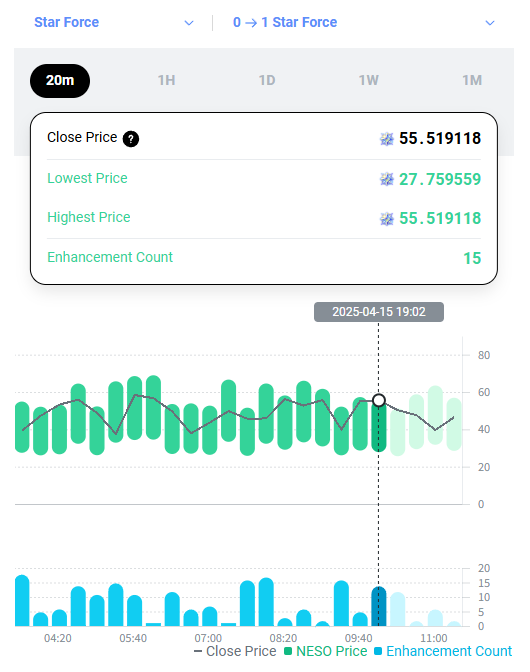
The official Dynamic Pricing Dashboard searches enhanceable items by partial name. Star Force views use an enhancement step; Potential views use a cube type.
Time ranges show closing, lowest and highest prices alongside enhancement counts. Group statistics update daily using the prior day's data, while close-price charts refresh every 20 minutes, so these views can differ from the current game price.
Checking an actual enhancement
The Equipment Enhancement interface's Cost Info control displays details for the inserted item. The amount shown in the game should be checked before an attempt.