
Friends
Character and account friendships make it easier to find regular teammates and manage social visibility.
Adding a friend
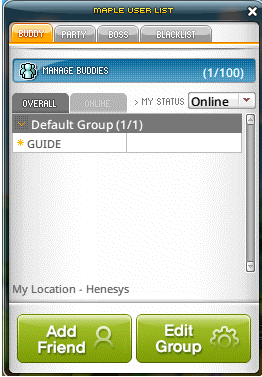
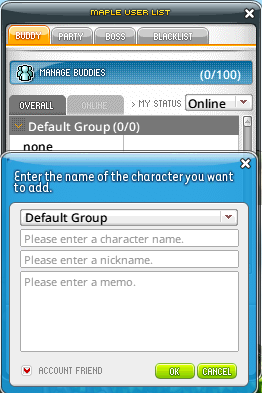
The Friends List opens with R by default. A same-world character can be added there or through the character's right-click menu.
Account Friend connections show a friend's online character across that account. A custom nickname helps identify them when they switch characters.
Managing connections
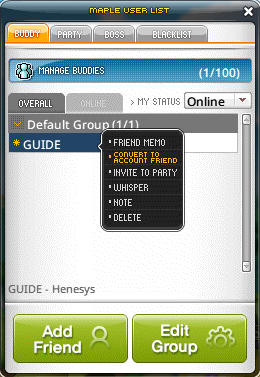
Friends can be organized into named groups. A friend's context menu provides memos, messages, removal, whispers and party invitations when available.
Visibility and invitations
Social settings can block specific incoming friend communication and invitations. Invisible Login hides login status and level-up announcements from friends.