Manage Character
Create a character, meet minting requirements and understand linking restrictions.
Create a character
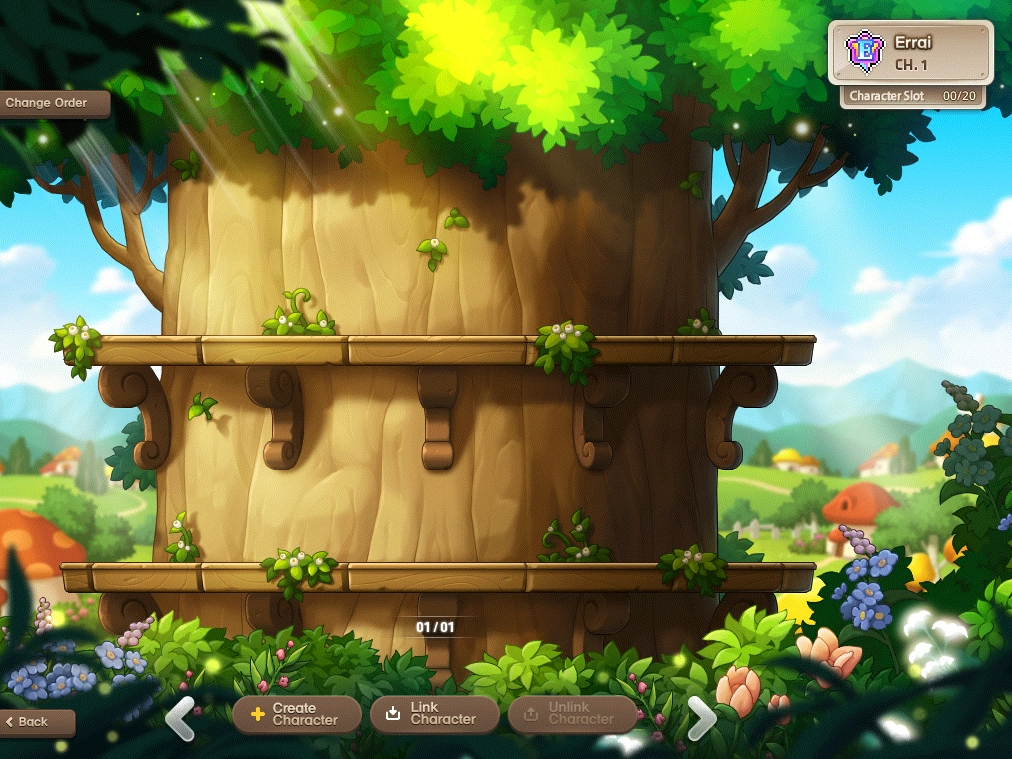
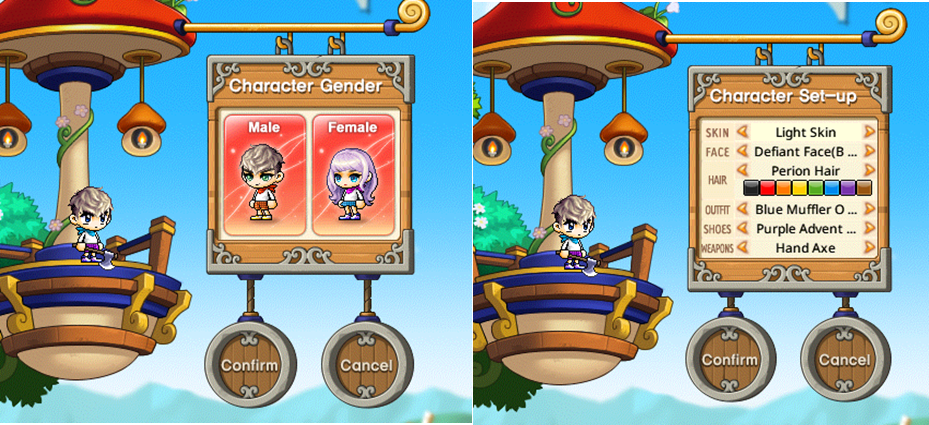
Choose a world, select Create Character and pick a class. New characters begin with a random name. Each world starts with 20 slots; creation is limited to three characters weekly, resetting Thursday UTC.
Prepare for minting
- Reach level 60 and complete third job advancement.
- Finish at least two of Ellinel Fairy Academy, Gold Beach, Riena Strait and Elodin.
- Defeat Easy Balrog and use five Runes.
- Finish the To the MapleStory Universe World! quest, then select Mint on the character selection screen and choose a name.

Understand character status
- Minted characters cannot be deleted. Minting enables systems including item minting and enhancement.
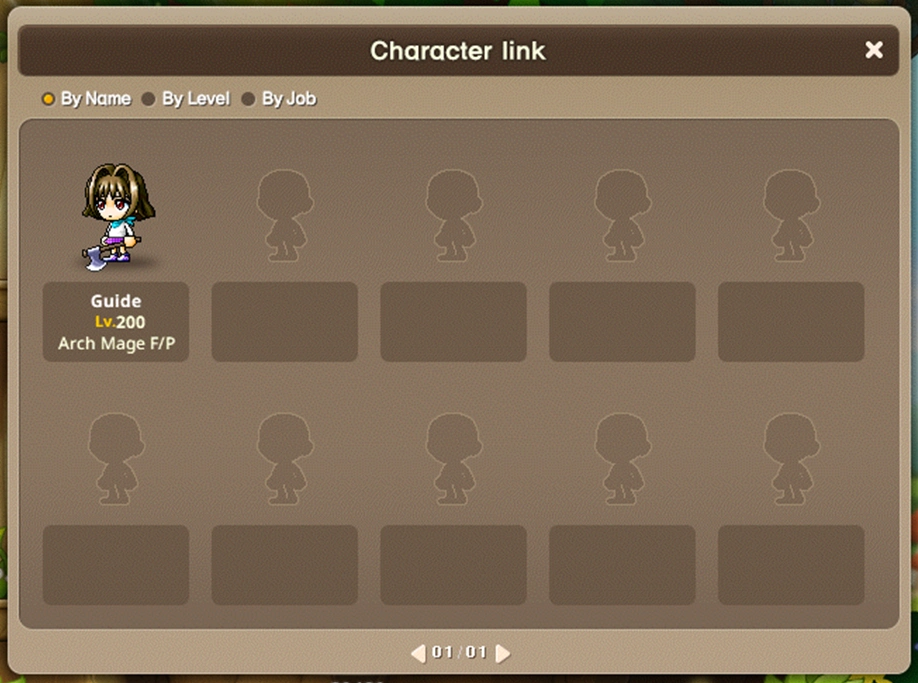
- Characters minted through play link automatically; purchased characters must be linked before playing.
- A linked character cannot be unlinked for 15 days. Unlinking is required before Marketplace trading.
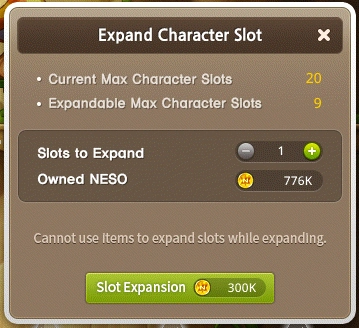
- Slots can expand to 29 at 300,000 NESO each; expansions are permanent.